Short answer: ChatGPT can be safe for confidential information, but only on the right plan and only with a few specific settings on. On a personal Plus account it isn't really safe by default - your conversations get used to train OpenAI's models unless you flip a toggle, and one careless paste from one team member is the whole leak.
The longer answer is what you came here for. Below: what counts as a leak, what each plan does with your data, the failure modes I see most at small firms, and a setup that makes confidentiality the default instead of something your team has to remember.
What "safe" means here
"Safe" has two layers that get mixed up in this question.
The first is whether OpenAI keeps your data and uses it to train future models. If a client's contract draft becomes training data, fragments of it can surface in some other user's chat later. This is the headline risk and it's the one OpenAI has direct control over.
The second is everything else: who at OpenAI can read your chats, how long they keep logs, what happens if there's a subpoena, and what happens if one of your own team members pastes the wrong thing into the wrong account. This part is mostly under your control.
A small B2B firm needs both layers solved. Solving one and ignoring the other is how the Samsung leak happened.
The Samsung leak, in one paragraph
In April 2023, three Samsung engineers pasted confidential material into ChatGPT - source code for a chip program, a recording of an internal meeting, and a test sequence for chip yields. Samsung banned generative AI on company devices within a month, and Apple, JPMorgan, Verizon, and Amazon all rolled out their own restrictions soon after. The engineers weren't being malicious. They were trying to debug code and write meeting notes faster. The accounts they used were personal, the default training setting was on, and there was no firm-level setup that would have caught it.
So it wasn't really "someone bad does something bad" - it was normal people doing normal work, hitting a sharp edge nobody told them about.
What each ChatGPT tier does with your data
OpenAI's data usage policy splits cleanly into two groups.
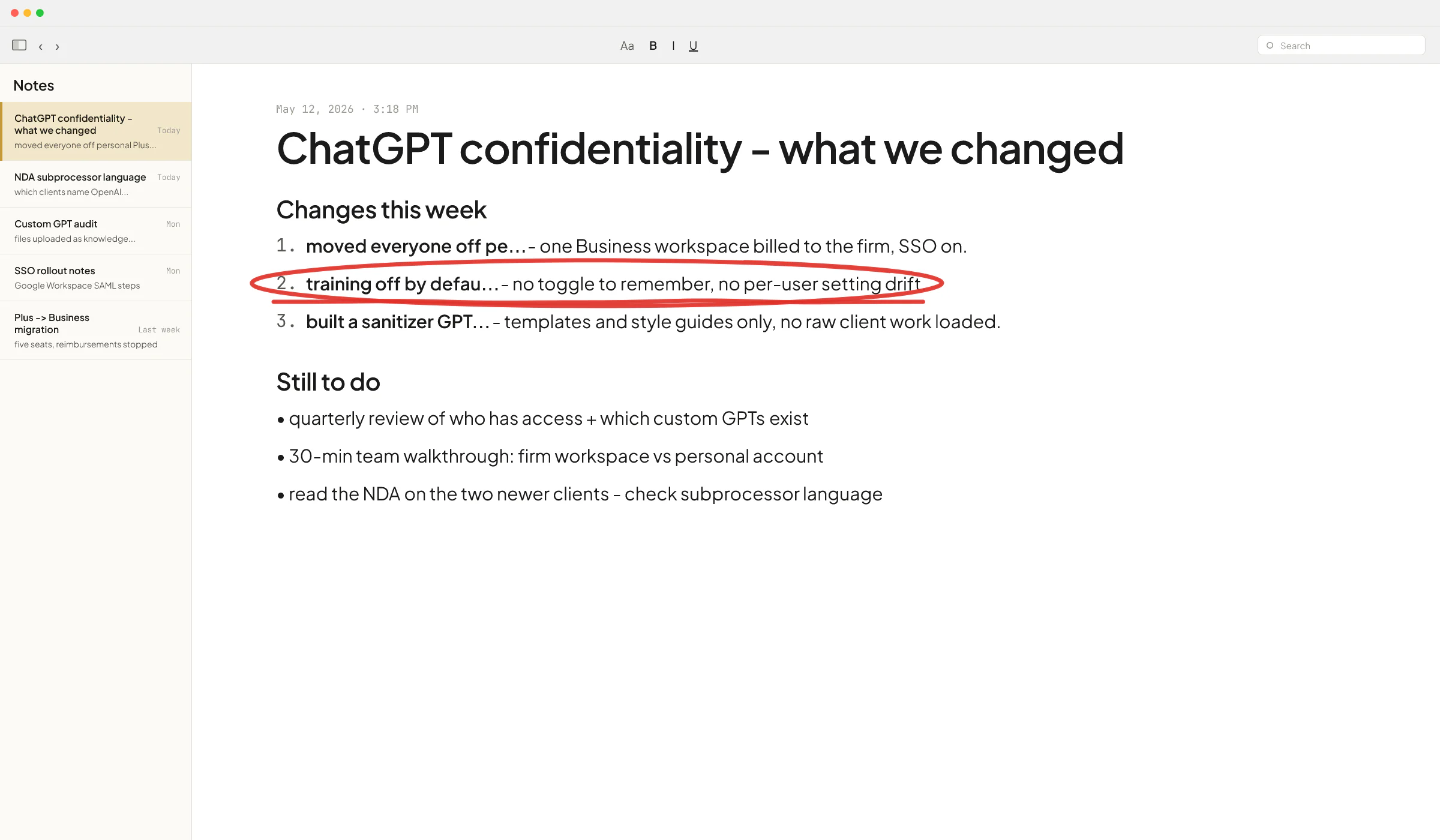
On consumer tiers (Free, Plus, Pro), your conversations are used to train OpenAI's models by default. Each user has to flip the opt-out toggle in their own settings. There is no admin console, no way for a firm owner to enforce it across the team, and no contractual guarantee.
On business tiers (Team / Business, Enterprise, Edu, API), your data is excluded from training by default. It's a contractual commitment, not a toggle. Admin controls are real, SSO works, SOC 2 Type 2 and ISO 27001 are covered, and you can sign a BAA (Business Associate Agreement, the HIPAA contract) on Enterprise or the API if you handle protected health information.
If you're on the API and your data is genuinely sensitive (healthcare, legal, regulated finance), the strongest setting OpenAI offers is Zero Data Retention - OpenAI doesn't log your inputs or outputs at all. It's not the default; eligible customers apply through OpenAI sales. By default the API retains inputs and outputs for up to 30 days for abuse monitoring.
So on the training question, Business or higher solves it. For retention windows and human review, the API with ZDR is stricter than ChatGPT. For most small B2B firms, ChatGPT Business is the right floor.
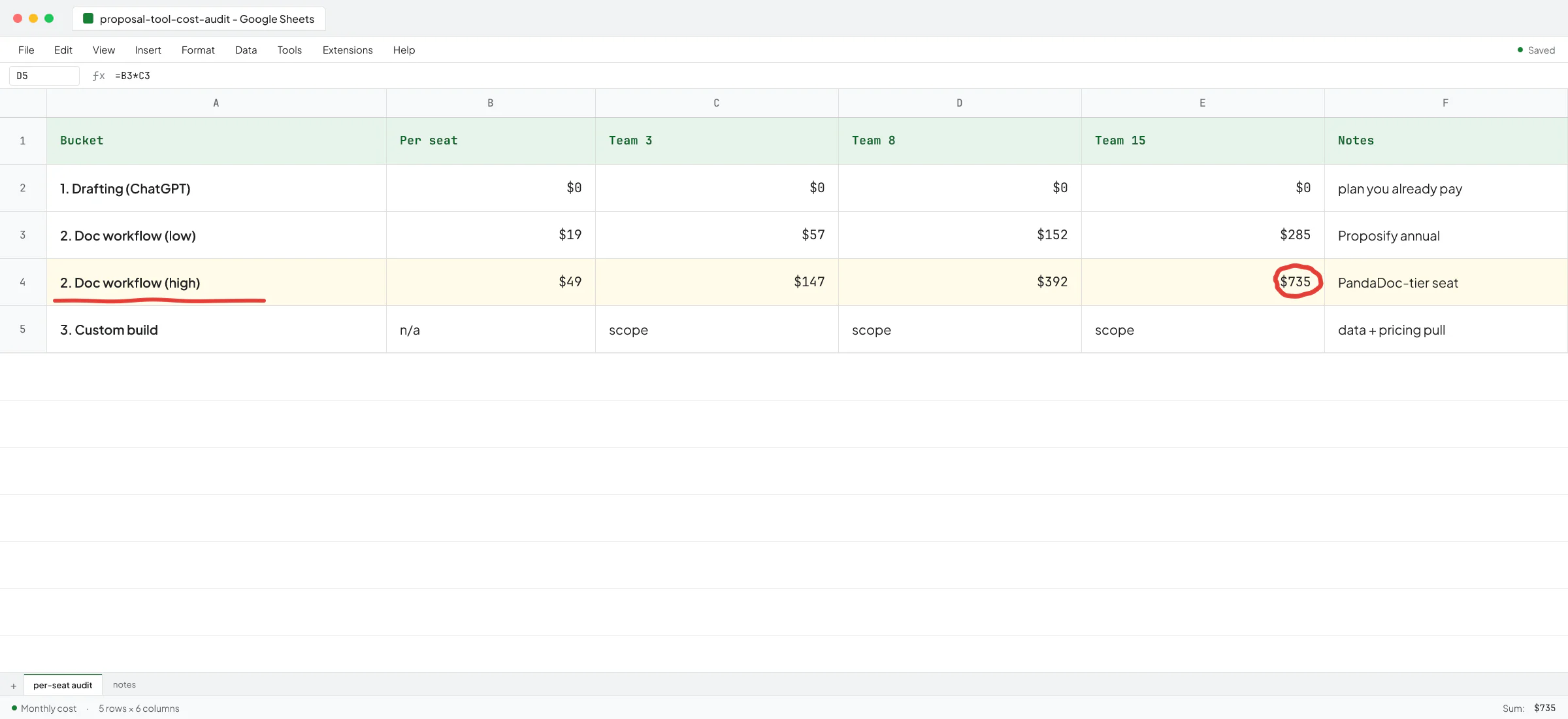
Which plan to pick is its own decision, and the cheapest plan that excludes training by default is Business at $20 per seat per month on annual billing - the same per-seat price as Plus.
The failure modes I see most at small firms
I spent two years at Sellify AI building AI sales and customer-support systems for enterprise pest control companies, where one careless prompt could send a fake quote to a real customer. The CEO there - also a co-owner of Fox Pest, which exited to Rollins for $350M - trusted me with the hardest pieces of that build. The problems that bite in production are rarely the ones the demos warn you about. Three patterns come up again and again when small firms ask me to look at their AI setup.
1. Personal Plus accounts pretending to be a firm setup
This is the most common one. Five people, five personal Gmail accounts, five Plus subscriptions on the team's own credit cards, reimbursed monthly. The firm thinks it has "ChatGPT for the team". It has five separate Plus accounts with training-on by default, no admin visibility, no offboarding when someone leaves, and no shared workspace.
Fix: one Business workspace billed to the firm, each person invited by work email, and the personal Plus accounts cancelled or kept strictly for personal use.
2. The "I just wanted to debug this" paste
Same as the Samsung pattern. Someone is stuck on a real piece of work - a client's financials, a draft motion, a piece of code that touches a customer's database - and ChatGPT is the fastest help available. They paste the real thing in instead of a sanitized version, because building a sanitized version takes 15 minutes and the deadline is in 30.
The fix is structural rather than a policy line. A note in the handbook that says "don't paste client data" gets ignored under deadline pressure. What works is making the safe path the easy path - a firm-wide ChatGPT Business workspace where training is off by default, plus a custom GPT pre-loaded with the firm's templates so people don't need to paste a whole client document to get useful output.
3. Custom GPTs loaded with the wrong files
Custom GPTs inside ChatGPT are useful, and most small firms haven't built any yet. Once they start, a new failure mode shows up: someone uploads the firm's entire client folder into the custom GPT's knowledge file to "give it context", forgetting that anyone with access to that GPT can ask it questions and pull pieces of those documents back out.
Fix: custom GPTs get reference material (style guides, templates, anonymized examples), and not raw client work. If you need the model to reason over a specific client's data, do it in a chat inside that client's project, and not in a shared custom GPT.
What is safe to paste, what is not
A rough working rule for ChatGPT Business or higher, with training excluded by default.
Safe to paste:
- Drafts of your own work product (sales emails, internal memos, blog posts, code you wrote and own).
- Anonymized versions of client material (names and identifiers removed).
- Public documents (laws, public filings, vendor docs).
- Anything you'd be okay sharing with a competent contractor under a standard NDA.
Not safe to paste, even on Business:
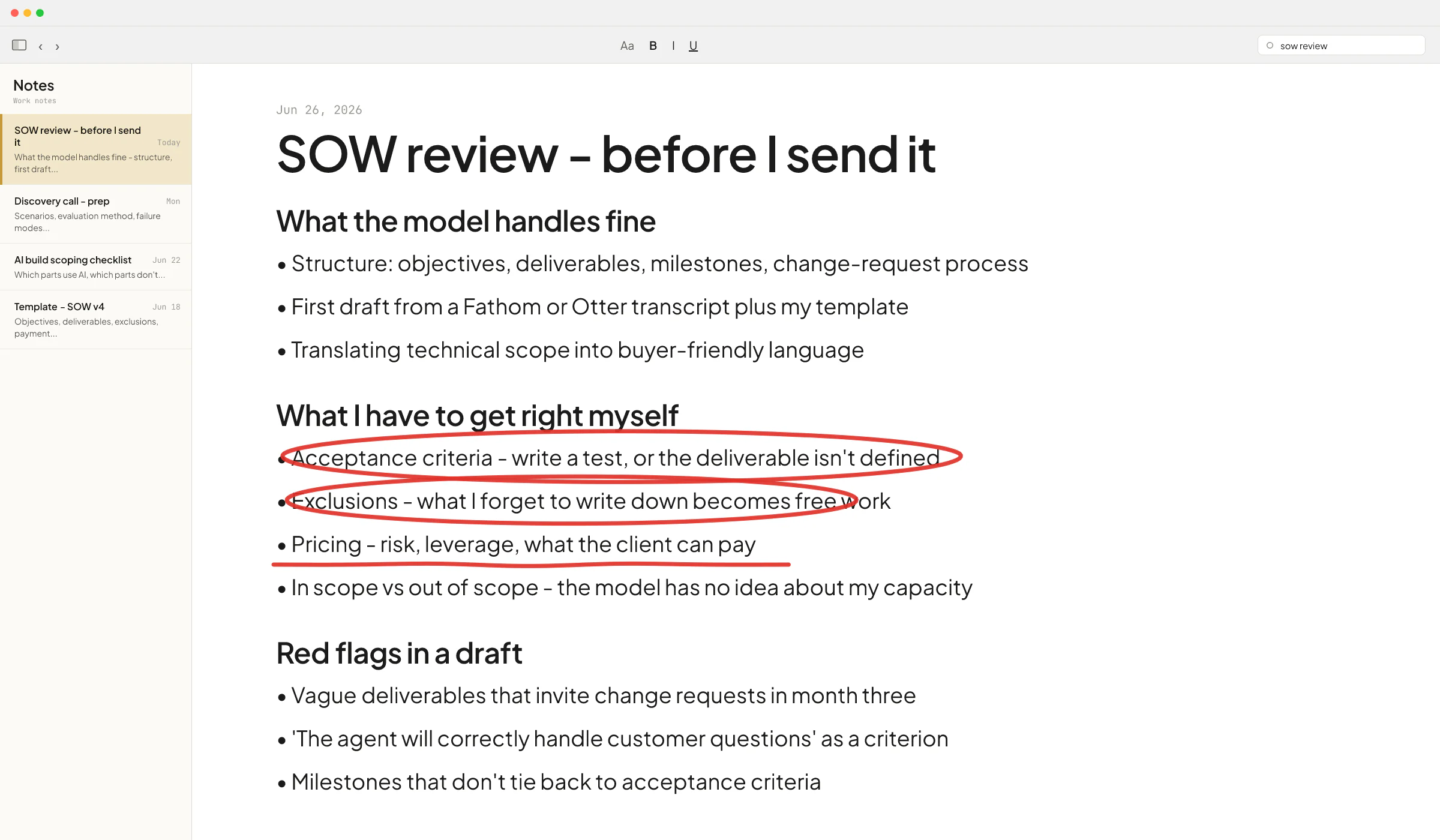
- Anything covered by a client confidentiality agreement that names approved subprocessors and doesn't list OpenAI.
- Protected health information, unless you've signed OpenAI's BAA (Enterprise or API only).
- Credentials, API keys, production database contents.
- Material from a regulated workflow (audit work papers, sealed legal filings, certain financial records) where the regulator hasn't blessed cloud AI use.
The middle case - client material that isn't HIPAA but is covered by a confidentiality clause - is the one most small firms get wrong. Read the actual client contract. Many modern NDAs are silent on AI subprocessors, which means it's a judgment call about whether ChatGPT Business meets the standard of care the contract implies. Some clients now require you to list AI subprocessors explicitly; ask before assuming.
This is not legal advice - check with your bar, your CPA's professional standards body, or your industry regulator before deciding what counts as compliant for your firm.
A setup that makes confidentiality the default
If I were setting up a 5 to 50 person B2B firm from scratch today, this is the shortest path:
- One ChatGPT Business workspace billed to the firm.
- SAML SSO connected to Google Workspace or Microsoft 365 so accounts get auto-provisioned and auto-removed when someone joins or leaves.
- Workspace-level instructions saying "this firm handles client work under NDA - never include real client names, financial figures, or contract language unless explicitly told to".
- Two or three shared custom GPTs for the highest-volume tasks (sales replies, proposal drafts, meeting summarization), loaded with templates and style guides only - no client data.
- A 30-minute team walkthrough on the difference between consumer ChatGPT (personal accounts) and the firm's workspace, and which one to use when.
- A quarterly admin review of who has access and which custom GPTs exist.
That's the whole setup. No DLP product, no enterprise rollout, no committee. It works because the safe path is now the path of least resistance - opening the firm's ChatGPT is one click instead of opening someone's personal browser profile.
Toolsmaxxing applies here too: before adding a separate compliance tool, see what your existing ChatGPT Business workspace already lets you configure. Most small firms haven't used half the admin settings they're already paying for.
When you've outgrown a ChatGPT subscription on confidentiality
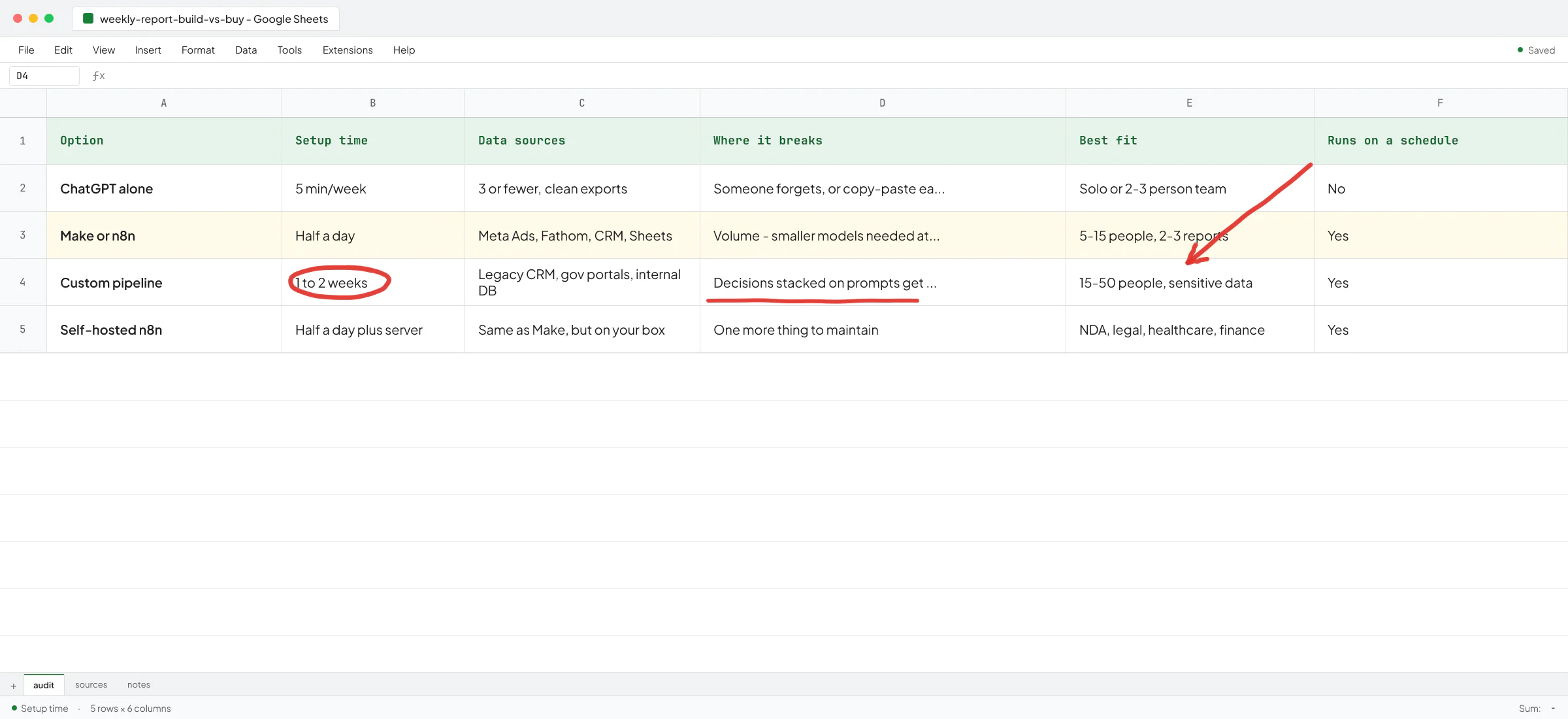
There's a point where a subscription stops being enough and you need a custom build sitting on the API with ZDR turned on. The triggers are usually:
- A client contract that names OpenAI as a disallowed subprocessor but allows your own application that processes data through approved APIs.
- A regulator that requires data residency in a specific region.
- A workflow that runs unattended, on a schedule, against a system that holds confidential data - at which point a chat window is the wrong shape anyway.
This is where my Sellify AI work is most directly relevant. We were building production AI on top of enterprise pest control CRMs where a confidentiality slip wasn't theoretical - it would have ended the contract. The architecture moves from "users chat with a model" to "a model gets exactly the data it needs for one task, in a controlled call, with a retention setting that matches the contract". Thomas K. Lundberg, the founder of Sellify AI, wrote a public recommendation about my work on those systems.
If you're on the API and not sure whether your setup meets the confidentiality bar you've promised clients, that's the conversation worth having early rather than after.
A short decision path
- Solo, no client data: Free or Plus is fine, flip the training opt-out yourself.
- Team of 2+, any NDA-covered work: ChatGPT Business, training off by default, custom GPTs for templates only.
- HIPAA, healthcare, or signed BAA required: Enterprise or API with a BAA.
- Regulator requires data residency, zero retention, or named approved subprocessors: API with Zero Data Retention plus a custom application around it.
Most small B2B firms sit in row two and don't realize it. Moving from personal Plus accounts to one Business workspace is the highest-leverage hour you can spend on AI security this quarter.
Book a call if you want to walk through your current setup and find the leak points before a client does.
FAQ
Is it safe to put confidential information into ChatGPT?
On ChatGPT Business, Enterprise, Edu, or the API, OpenAI doesn't use your conversations to train its models by default, so a moderate amount of confidential business data is reasonable to use there. On Free, Plus, or Pro, training is on by default and each user would have to manually opt out. Even on Business, don't paste material covered by a contract that names approved subprocessors (where OpenAI isn't listed), HIPAA-covered health data without a signed BAA, or credentials and production secrets.
Does OpenAI train on my ChatGPT conversations?
On Free, Plus, and Pro, yes, by default - each user can opt out in their own settings. On Team / Business, Enterprise, Edu, and the API, no - data is excluded from training by default, contractually, with no toggle to remember.
Can OpenAI employees read my ChatGPT chats?
OpenAI keeps inputs and outputs for a limited window for abuse monitoring and may have human review in narrow cases. Enterprise customers can apply for Zero Data Retention on the API, which means no logging at all and no human review. ChatGPT itself doesn't offer ZDR; for the strictest no-logging option you go through the API.
Is ChatGPT HIPAA compliant?
ChatGPT is not HIPAA-compliant out of the box on consumer plans. OpenAI offers a signed BAA on ChatGPT Enterprise and on the API, which is what makes a HIPAA workflow possible. If you're putting protected health information through ChatGPT Plus, that doesn't meet the standard.
How can a small firm stop its team from pasting client data into personal ChatGPT accounts?
Replace the personal accounts with one firm-billed ChatGPT Business workspace, set up SSO so people sign in with their work account, and load custom GPTs with templates so the default workflow doesn't require pasting full client documents. Policy alone doesn't hold up under deadline pressure - making the safe path the easier path does.
What's the difference between ChatGPT Business and the OpenAI API for confidentiality?
Business gives your team a chat interface with training off by default and admin controls. The API gives you the same training default plus the option to apply for Zero Data Retention (no logging at all), data residency for some regions, and the ability to build a tightly scoped application that sees only the specific data it needs. Business covers most small firms. The API covers regulated workflows and unattended automation.